


This is how your design is perfectly implemented
To ensure your logo, motif, or text is shown to its best advantage, you'll find all the important information for creating print data here –including templates for lids, bottles, protective sleeves, and packaging. Whether engraving, screen printing, or thermal transfer printing, we'll show you which formats are required, what to look out for when creating them, and how to avoid unwanted printing errors.
Don't have a finished file? We're happy to assist you with the graphic design.

Print template for engraving on the lid

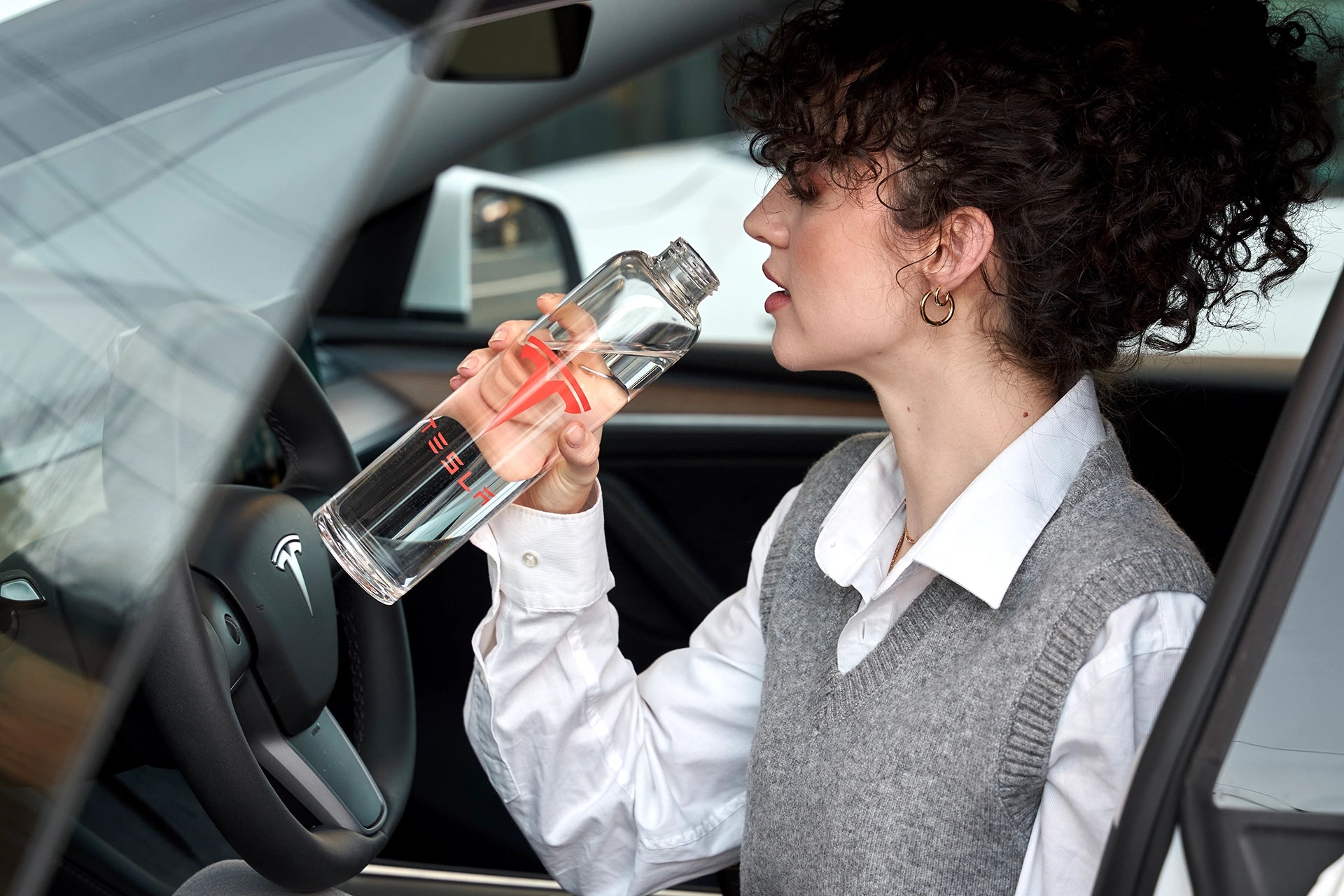
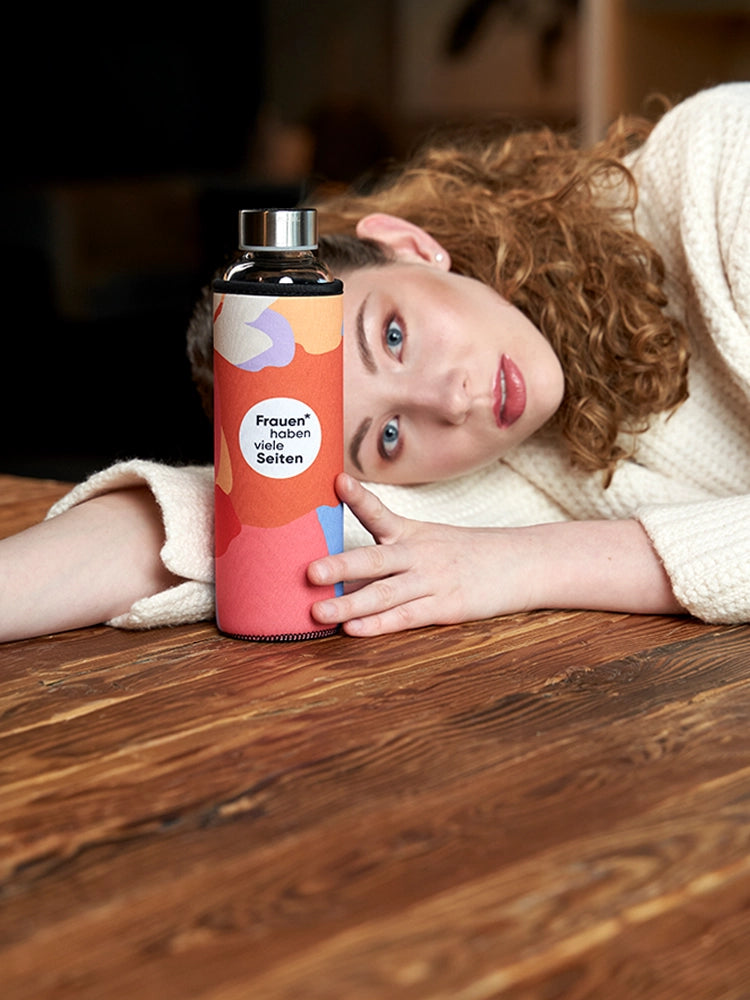
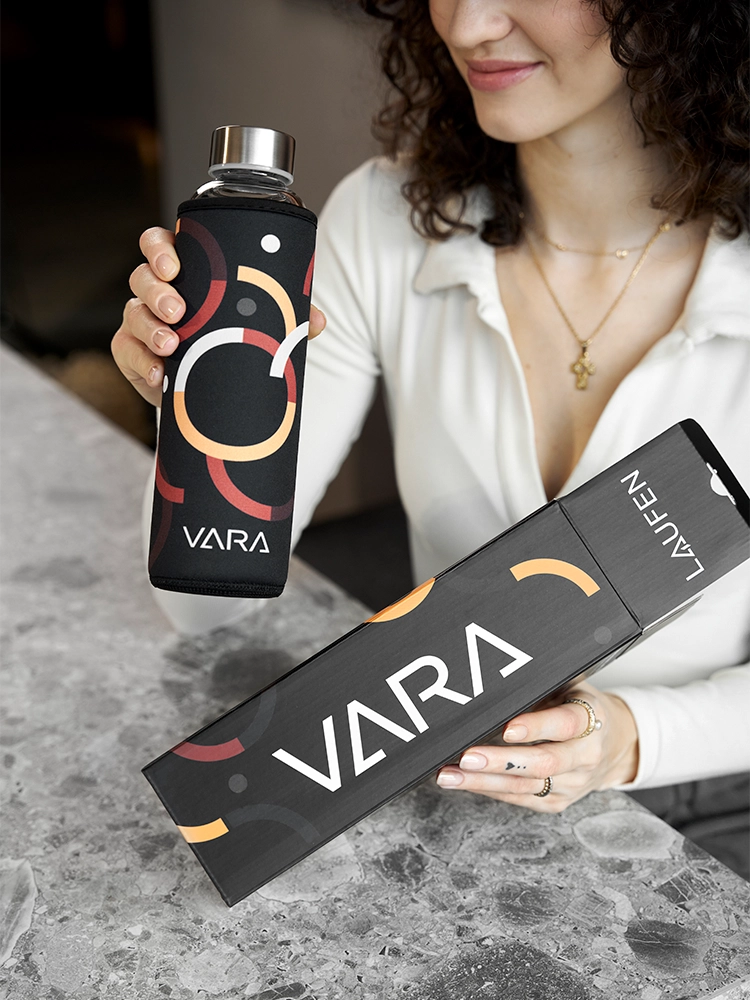
Print template for packaging
Insulated stainless steel water bottle
- 500 ml
- 750ml
- 1 L
- 1.5 L
Glass drinking bottles
- 550 ml
- 750 ml
- 800 ml
- 1 L
Frequently Asked Questions (FAQs)
Which file formats are accepted?
Please send us your print data in a vector-based format such as PDF, AI, EPS, or SVG. This ensures that logos, fonts, and graphics can be printed with razor-sharp, lossless quality.
Are there any templates available for download?
Yes – we provide templates for all our drinking bottles, caps, sleeves, and packaging. These templates precisely define the printable area, allowing you to create your design with precision and accuracy.
How big is the printable area?
The print area varies depending on the bottle model. You can find all the dimensions for print height and width in our technical templates (stand sketches). You can find the corresponding downloads further up this page.
I'd like to have the bottles personalized with names. How should I provide them to you?
For a clean and efficient implementation, we ask you to provide us with the names, ideally as a vector file – already created in the desired font and actual font size.
💡 Important: Please create each name as a separate object and group all letters per name so that no characters are lost or shifted during the transfer.
If you are unable to vectorize the names yourself, please send us an Excel or CSV list – we will be happy to prepare the graphical representation for you.
Here is an example of the correct vector file: Names as an example for download
Do I need to take bleed into account for the print area?
This depends on the product and the respective printing process:
- No trimming is necessary for engraving and screen printing. The motif is placed precisely within the defined printing area—overhang is neither necessary nor advisable.
- When printing on protective sleeves or packaging, we recommend extending the design 1-2 mm beyond the edge (known as bleed). This way, you can avoid unprinted edges by maintaining minimal tolerances during punching or cutting.
Please also ensure that important elements (logos, text) are not placed too close to the edge – ideally with a safety distance of at least 5 mm from the cutting edge
Will I receive a preview for approval?
Yes – you'll receive a digital preview (visualization) for final approval before production begins. We'll only start production after you give the go-ahead.
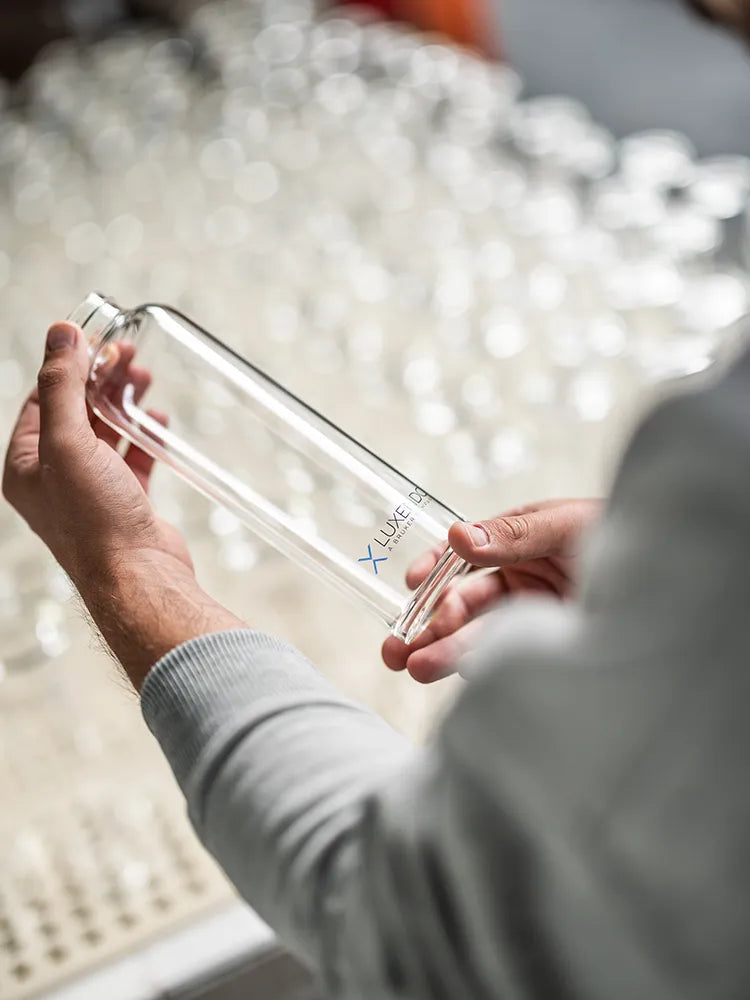
Drinking bottles with logo
Adapted to your ideas and needs. Find out more about individually designed drinking bottles made of glass or stainless steel with your company logo.
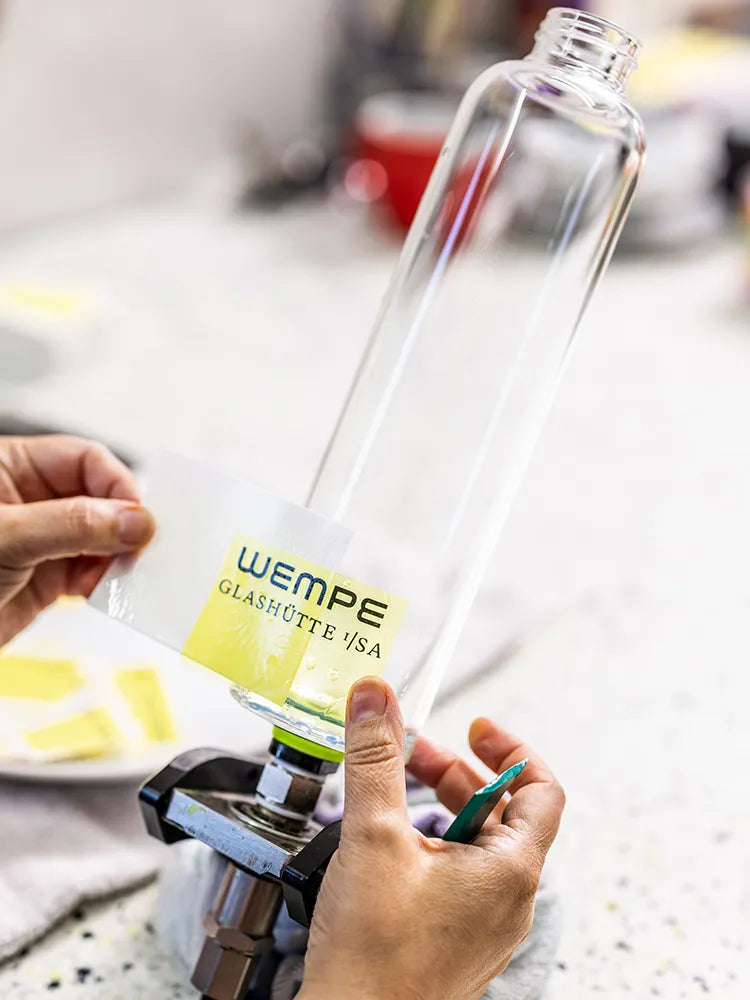
Print drinking bottles
Find out more about printing drinking bottles. With our high-quality screen printing, we offer many individual options.

B2B price lists
Transparent and honest. Take a look at our transparent price lists for your individual drinking bottles made of glass or stainless steel.